Which mestri's team picked the most last month?
Ravi's team picked 6,420 kg in October, 38% of the estate total. Suresh's team was next with 4,980 kg.
Ravi's team also had the lowest cost per kg (₹8.90).
A living ledger of your estate — picking, work, drying and sales, kept up to date from your phone every day. Ask it anything, typed or spoken, and get the answer from your own records in seconds.
Each video shows one part of the app on a real phone, from setting up your estate to selling the crop, with the steps written out.
 2:59
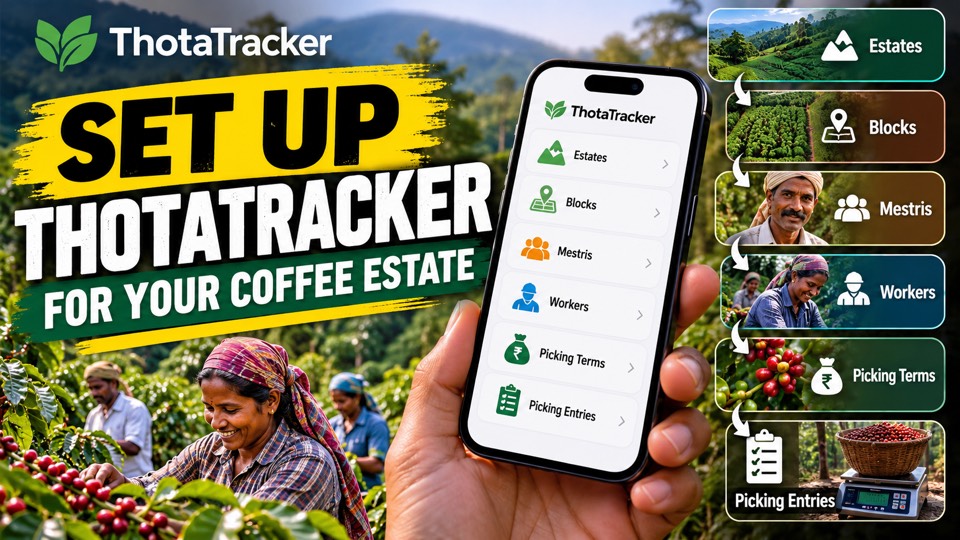
Set up your estate
2:59
Set up your estate
 3:29
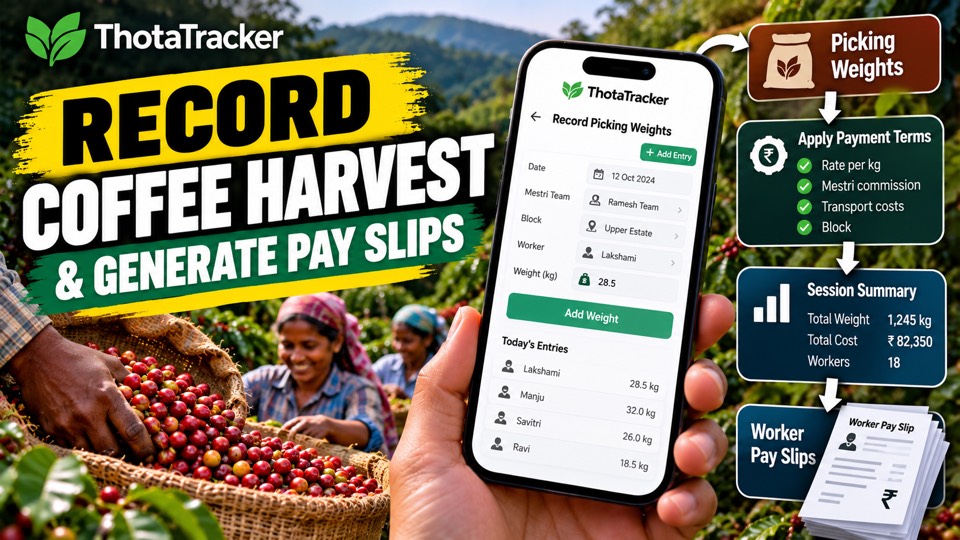
Record the harvest and make pay slips
3:29
Record the harvest and make pay slips
 1:48
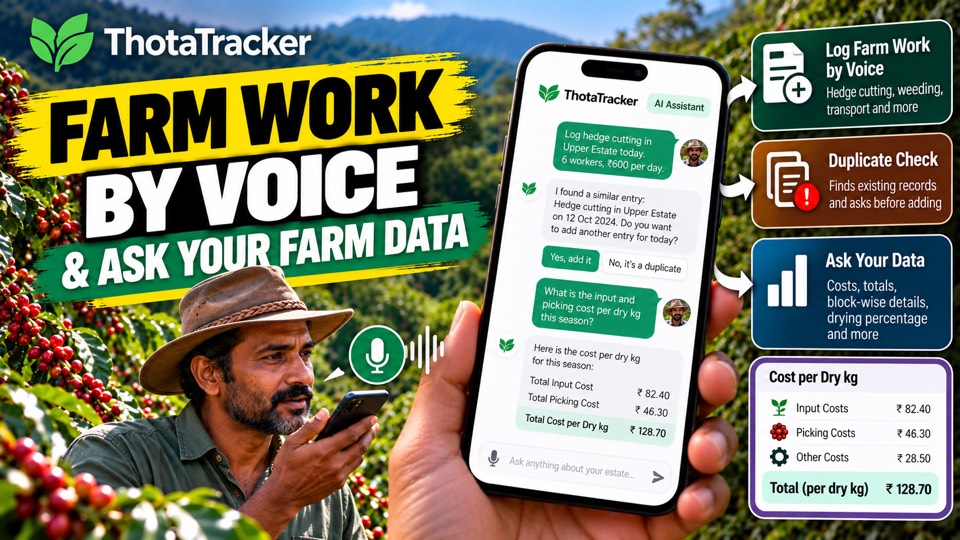
Talk to the AI assistant
1:48
Talk to the AI assistant
 6:31
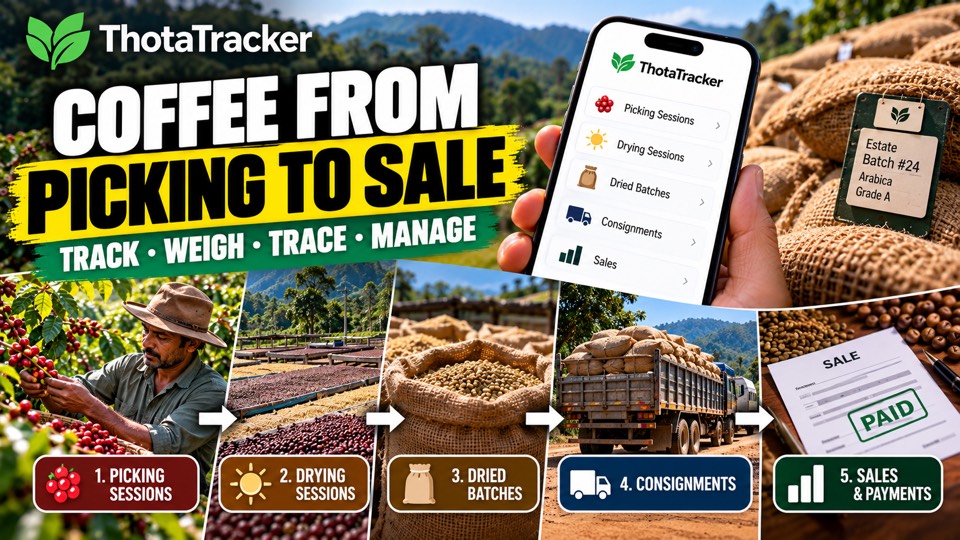
From drying to sale
6:31
From drying to sale
Which mestri's team picked the most last month?
Ravi's team picked 6,420 kg in October, 38% of the estate total. Suresh's team was next with 4,980 kg.
Ravi's team also had the lowest cost per kg (₹8.90).
How many bags did we get this season, and what was the outturn?
142 bags (50 kg dry) from 31,800 kg of fruit, an outturn of 22.3%.
Upper 2 gave the best outturn (24.1%), River bit the lowest (19.8%).
How much have I spent on weeding and manuring since April?
₹1,86,400 in total: weeding ₹1,12,000 (3 rounds) and manuring ₹74,400.
That is ₹21,000 more than the same months last year.
“Add today's weeding: 6 workers at ₹500, Mestri Ravi, Upper estate.”
Ready to add. Please check and confirm:
Example answers. Your answers come from your own estate's records.
📵 Works without signal. Entries are saved on the phone and sync when you're back in range. Asking the AI assistant needs internet.
Invite your mestri, manager, family partner or accountant with their own login. Everyone sees the same estate data, so there's one set of numbers, not five notebooks.
ThotaTracker grows from conversations with the farmers who use it. If your estate works differently, or you need something it doesn't do yet, tell us. Many of today's features started as a farmer's request.
Use Talk to Us inside the app, WhatsApp, or the contact form below.
ThotaTracker is a Progressive Web App (PWA). It installs directly from your browser and works on any phone or computer.
Open app.thotatracker.com in Safari on your iPhone or iPad. Must be Safari — not Chrome or Firefox.
Tap the Share button at the bottom of the screen — the box with an arrow pointing up.
Scroll down in the Share sheet and tap "Add to Home Screen".
Confirm by tapping "Add" in the top right. ThotaTracker now appears on your home screen like any other app.
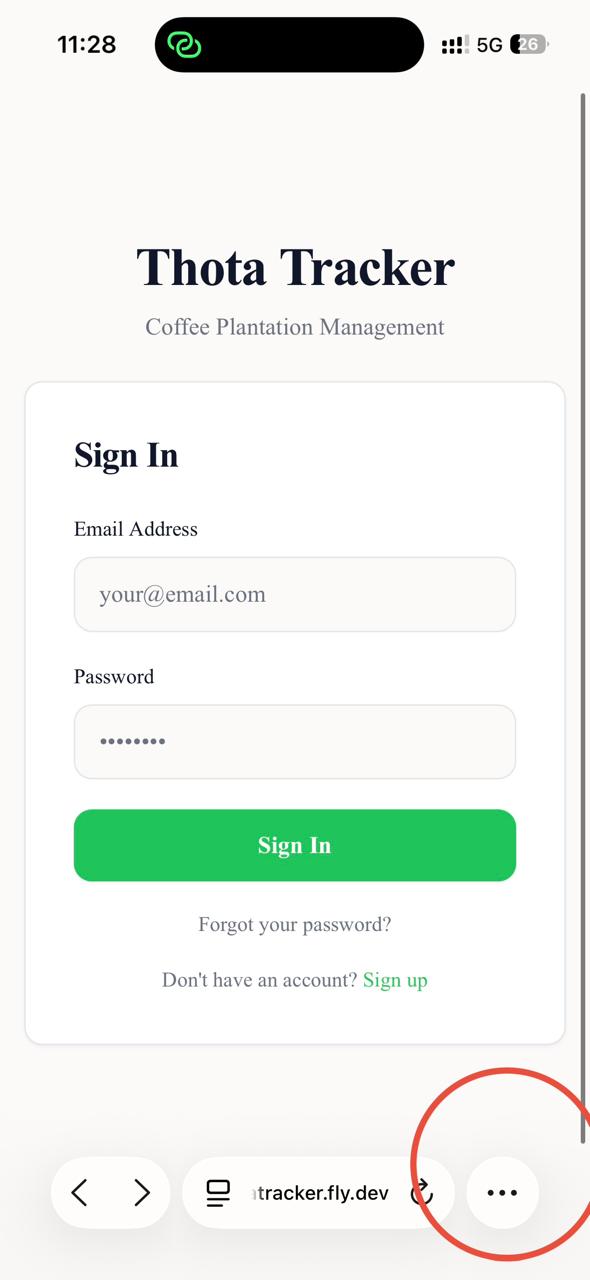
Open app.thotatracker.com in Safari, then tap the Share icon (circled) in the bottom toolbar.
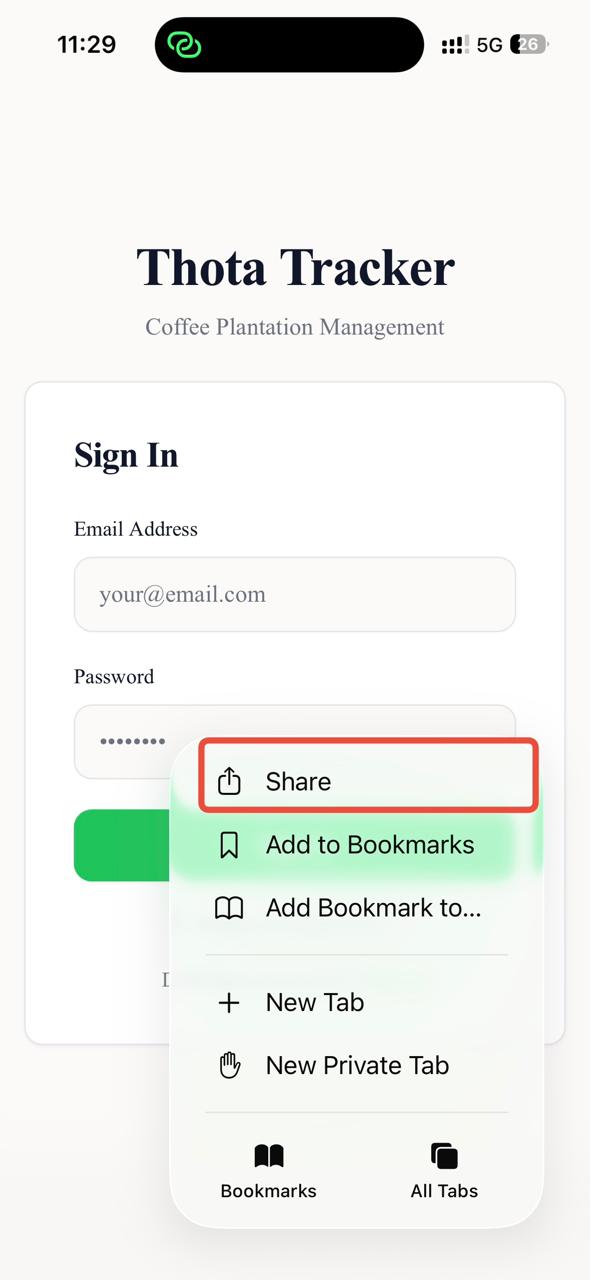
The Share sheet opens over the page.
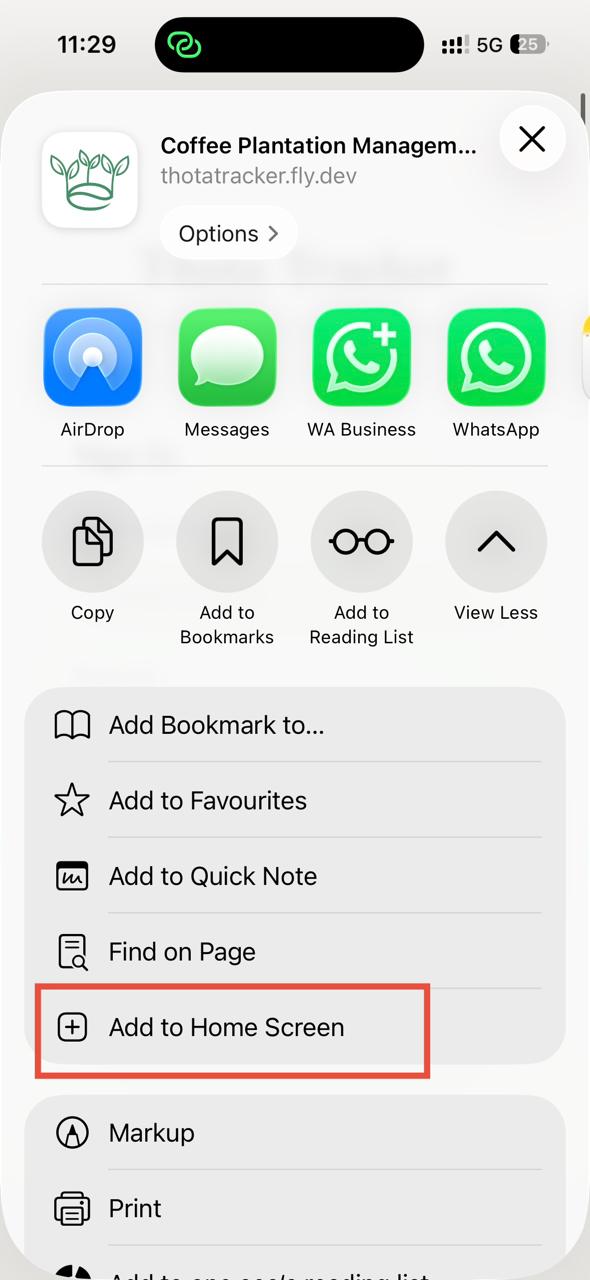
Scroll down and tap "Add to Home Screen".
Tip: Once installed, ThotaTracker opens in full-screen with no browser bars — exactly like a native app. Works offline from the first open.
Open app.thotatracker.com in Google Chrome on your Android phone.
Tap the three-dot menu (⋮) in the top-right corner of Chrome.
Select "Add to Home Screen" or "Install app". A banner may also appear at the bottom of the screen automatically.
Tap "Install". ThotaTracker appears on your home screen and in the app drawer.
Tip: On many Android phones, Chrome automatically shows an install banner at the bottom of the page — tap it to install in one step.
Open app.thotatracker.com in Google Chrome or Microsoft Edge on your computer.
Look for the install icon (⊕) on the right side of the address bar.
Click the icon and select "Install ThotaTracker" from the prompt.
ThotaTracker opens as a standalone window — no browser bars, works offline, and launches from your taskbar or dock.
Tip: The desktop version is ideal for estate owners reviewing reports or managing worker master data with a keyboard and large screen.
From the entries you and your team make in ThotaTracker: picking weights, work, drying, bags and sales. It only reads your own estate's records, and tells you when something hasn't been recorded.
Only when you ask, and only after you tap Confirm. It shows exactly what will be added or changed first, and every change is kept in the activity log.
Recording does. Entries made with no signal are saved on the phone, even if the app is closed or the phone restarts. They sync the next time you open the app with signal, so open it once you're back in range, and don't clear the browser data or remove the app before it has synced. The app needs to be opened online once first, so it can download your estate's data. Asking the AI assistant needs internet.
Yes. Invite your mestri, manager, family partner or accountant, each with their own login. They see the same estate data as you, and you choose which pages each person can view or edit.
Yes, where possible. If your records are in a spreadsheet or another app, we help bring them across so your history is there from the start. Talk to us about what you have.
Often, yes. New features come from conversations with farmers. Tell us how your estate works through Talk to Us in the app, WhatsApp, or the contact form.
No. Open app.thotatracker.com and add it to your home screen. It works like a regular app. See the install steps.
Tell us about your estate and what you'd like to know. We'll get back to you.
M.P. Appanna · Founder, Future Thota · +91 90364 55123